.jpg)
📝 How to Share Internet from Mobile
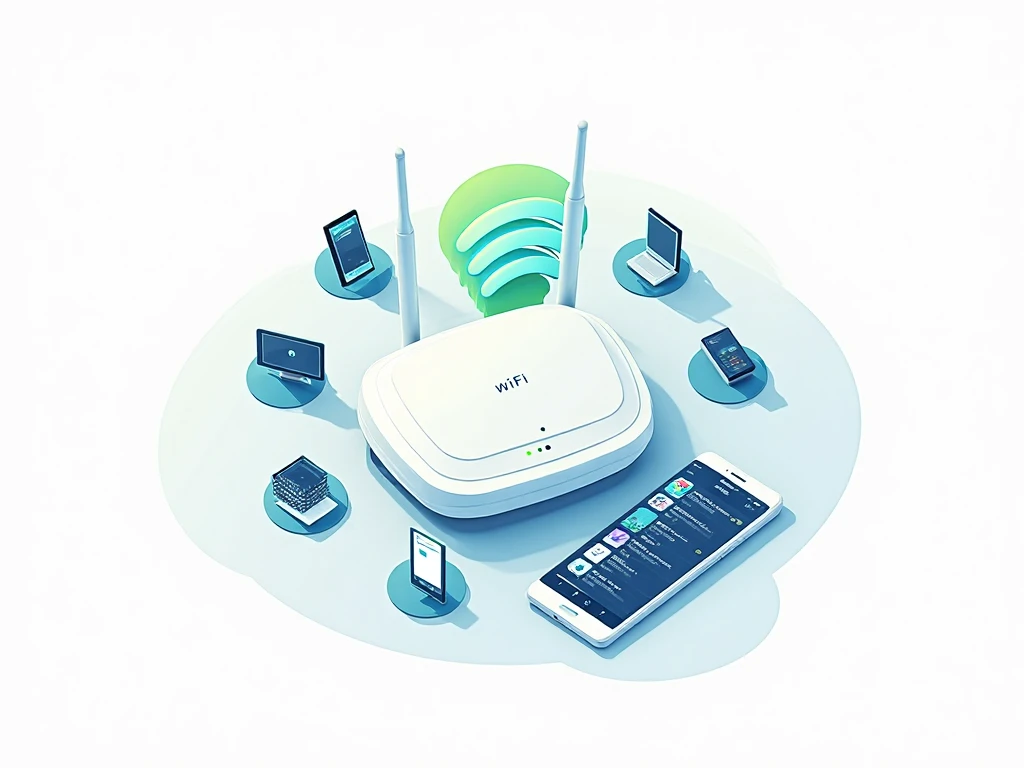
Agar aapko apne friends, laptop ya TV ko internet provide karna hai to mobile hotspot ya tethering use kar sakte hain.
Ye guide Android aur iPhone dono ke liye step-by-step instructions provide karegi.
🔹 1) Share Internet on Android
Step 1: Settings → Connections / Network & Internet
Step 2: Mobile Hotspot / Tethering → Tap to Open
Step 3: Mobile Hotspot ON karein
Step 4: Hotspot Name (SSID) aur Password set karein
Step 5: Device Connect karein
-
Laptop, tablet ya dusre phones hotspot se connect ho jayenge
Pro Tip: Agar slow internet ho, to hotspot par maximum connected devices limit karein
🔹 2) Share Internet on iPhone
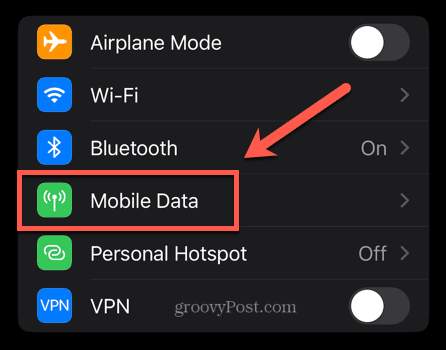
Step 1: Settings → Personal Hotspot → Enable
Step 2: Wi-Fi Password set karein
Step 3: Connect Device
-
Laptop / Android device / iPad WiFi ke through connect ho jayenge
Tip: Personal hotspot automatic disconnect ho sakta hai jab koi device use nahi karta
🔹 3) USB Tethering (Optional)
Android:
-
Settings → Connections → Mobile Hotspot & Tethering → USB Tethering ON
-
Laptop USB cable se connect → Internet access available
iPhone:
-
Settings → Personal Hotspot → USB Only (Automatic detect)
-
Mac / Windows PC USB cable connect → Internet share
🔹 4) Extra Tips for Mobile Internet Sharing
-
Data usage monitor karein taake data overuse na ho
-
Background apps band karein for faster speed
-
Hotspot ka name unique rakhein
-
Public places mein secure WiFi hotspot use karein
❓ FAQs
Q1: Maximum kitne devices hotspot se connect ho sakte hain?
A: Usually 5–10 devices, depend karta hai phone aur network speed par
Q2: Mobile hotspot se internet fast kaise rakhein?
A: Background apps close karein aur connected devices limit karein
Q3: USB tethering aur WiFi hotspot mein kya difference hai?
A: USB tethering cable se connect hota hai aur secure hai, WiFi hotspot wireless aur convenient hai